From PowerPoint to AI Course: A Step-by-Step Guide
Oct 21, 2025
12 months ago
I was in a meeting with a new customer last month, the head of L&D at a logistics company with over 10,000 employees. He had a great sense of humor. When I asked about his current training materials, he laughed and said, “We have a treasure trove. It’s a vast, digital library of PowerPoints created by hundreds of people over 15 years, and none of them have ever been deleted.”
He was joking, but he wasn’t wrong. This is a story I hear almost every week. Most established companies are sitting on a mountain of institutional knowledge locked away in static .pptx files. They know it’s a problem. These decks are often the source material for critical compliance, onboarding, and skills training. But turning them into effective learning isn’t easy. This is a core reason we built the new PowerPoint to AI course generator in Immersive Fox.
For years, the only answer was to either rebuild them from scratch in an authoring tool or use a basic converter. Neither is a great option. Rebuilding takes forever, and the converters? They don’t solve the real problem.
The myth of “PPT to SCORM conversion”
For a long time, the standard approach was to use a “PowerPoint to SCORM” converter. Tools like iSpring or Articulate have plugins that let you export your presentation as a trackable LMS package. There are web-based tools that do it, too. On the surface, it sounds like the perfect solution.
The problem is that these tools don’t truly transform your content. They just put it in a different wrapper.
Here’s what actually happens: the tool takes each of your slides and turns it into a static image or a flat HTML page. Then it wraps those flat files in a SCORM package, which is basically a set of JavaScript files that can talk to a Learning Management System (LMS). As a result, your LMS can now see if a learner opened the file and clicked through to the last slide. That’s it.
You’ve made it trackable, but you haven’t made it better. You’re still serving up the same passive, linear, and often boring presentation. This “lift and shift” approach fails because it doesn’t address the fundamental flaws of using PowerPoint for training:
- It’s a passive experience. The learner just clicks “next, next, next.” There’s no real engagement, which means there’s very little knowledge retention.
- You have no real data. You can see if they “completed” it, but you have no idea if they understood anything. Did they absorb the key compliance points? Are they ready to apply this new skill? You’re still guessing.
- It’s a maintenance nightmare. When a regulation changes or a process is updated, the L&D team has to hunt down every single PowerPoint that mentions it and manually update them one by one.
Simply converting a PowerPoint to a SCORM package doesn’t fix any of this. It just moves the problem into your LMS. For a more detailed look at these older tools, the team at ScormHero wrote a solid breakdown of how they work.
The new way: From PowerPoint to a generative AI course
When we built the document-to-course feature in Immersive Fox, we knew it couldn’t just be another converter. The goal wasn’t to package old content; it was to regenerate it into something completely new and far more effective.
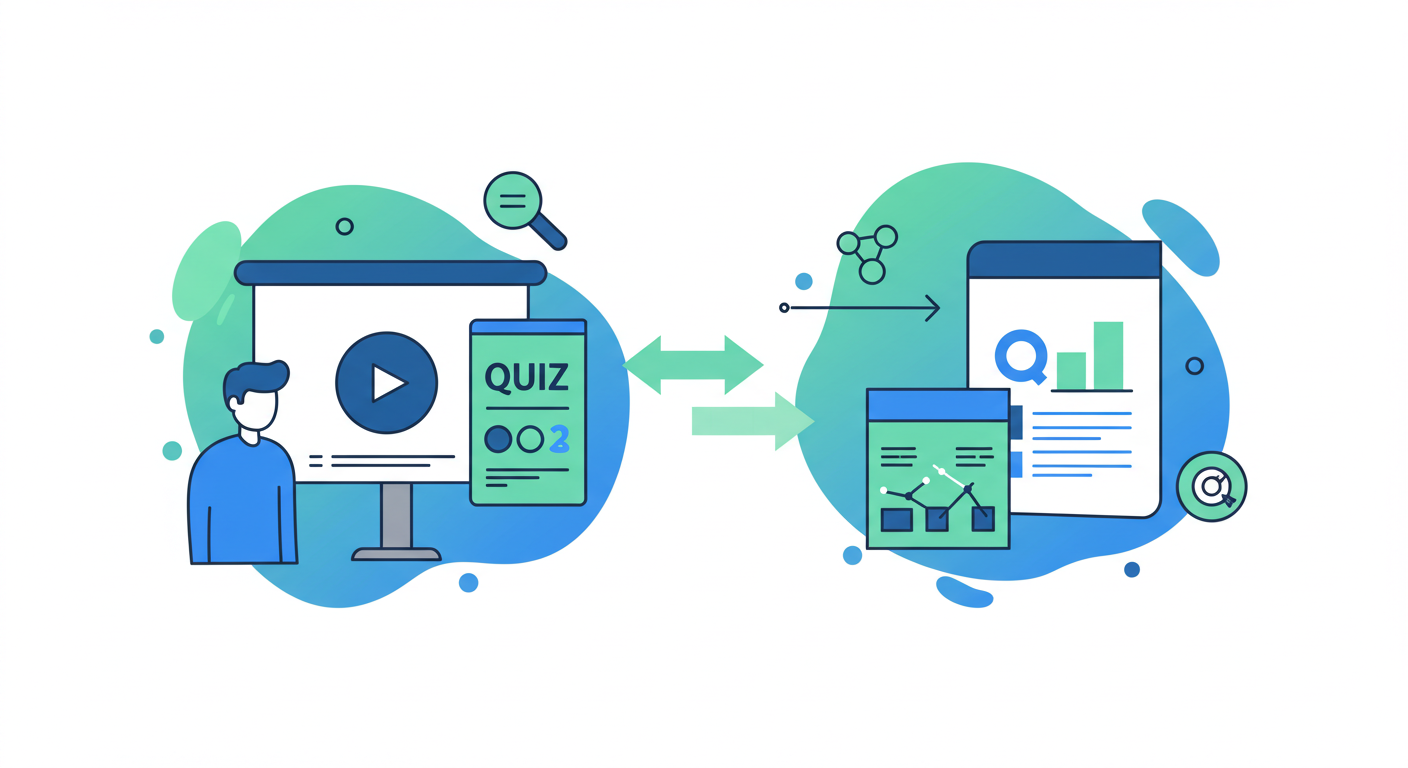
Instead of just wrapping the slides, our platform uses AI to deconstruct the PowerPoint and rebuild it from the ground up as a dynamic learning experience. This is what a modern PowerPoint to AI course workflow looks like.
Step 1: The AI deconstructs your presentation
When you upload a .pptx file, the AI doesn’t just see slides. It analyzes the structure, text, and context of your entire presentation. It identifies the title slide, section headers, and key content blocks. Based on this, it automatically proposes a course structure with distinct modules and lessons.
A 50-slide presentation on safety protocols doesn’t become 50 linear pages. It might become a 5-module course with 10 short lessons, each focused on a specific topic like “Hazard Identification” or “Emergency Procedures.”
Step 2: From bullet points to a narrated script
This is where it gets interesting. The AI takes the bullet points and notes from your slides and generates a natural, conversational script for each lesson. It’s not just reading the text aloud; it’s creating a proper narrative. Of course, you can edit and refine this script instantly.
Once you have the script, you choose an AI avatar. With one click, that avatar presents the entire course. You’ve gone from silent, text-heavy slides to a fully narrated video course, presented by a professional AI actor, in minutes.
Step 3: AI generates quizzes from your content
This is the part that’s impossible with old converters. Because our AI understands the content of your PowerPoint, it can automatically generate interactive quizzes and knowledge checks for each module.
It creates multiple-choice questions, fill-in-the-blanks, and other formats based on the key information in your slides. You’re no longer just tracking completion; you’re measuring comprehension. You can see exactly what your learners understood and where they’re struggling.
Step 4: The course adapts to the learner
Once you have quizzes, you can enable adaptive learning. If a learner gets a question wrong, the system doesn’t just show them a red “X.” It can serve up a micro-lesson that re-explains the concept they missed. The course adjusts its difficulty and content based on how each individual is performing.
This is the opposite of a one-size-fits-all PowerPoint. It’s a personalized learning path, generated automatically from a single presentation file. We’ve found this is a much better approach than the old way of building complex branching logic, which we discussed in our post on AI Training Platforms vs. legacy LMS tools.
Step 5: Go global in one click
Finally, because the entire course—from the video narration to the quiz questions and interface—is generated by AI, you can translate and culturally adapt it to over 57 languages with a single click. The AI avatar will speak the new language, and all text elements are updated.
Think about the logistics of doing that with traditional methods. You’d need translation agencies, voice-over artists, and video editors for every single language. With a generative platform, it’s built-in.
Stop converting, start regenerating
That treasure trove of old PowerPoints doesn’t have to be a source of jokes. It’s a valuable asset waiting to be unlocked. But the answer isn’t to just wrap them in a new format.
The opportunity now is to use them as the source material to create something fundamentally better. By regenerating your static slides into interactive, video-led, and adaptive courses, you can finally deliver on the promise of effective, scalable digital learning. You save hundreds of hours in development time and end up with a learning tool that actually works.
Have project in mind?
Get in touch with our sales team